
How to use CarboZen
The flow is simple, fast and designed to guide you through meal estimation with a clear and immediate interface.
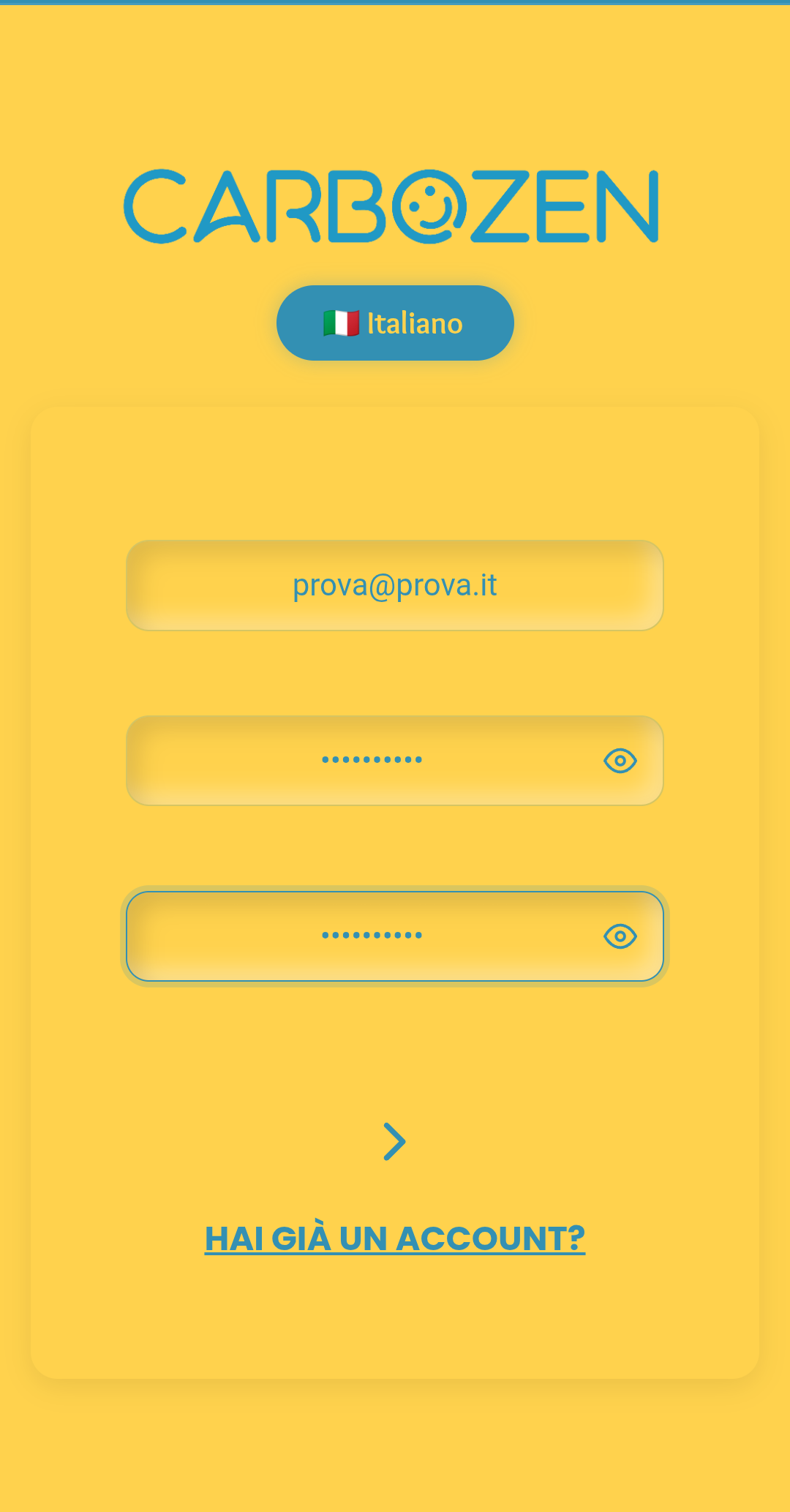
Sign up or log in
Create your account with email and complete the initial setup. If you already have a profile, log in directly to get started right away.
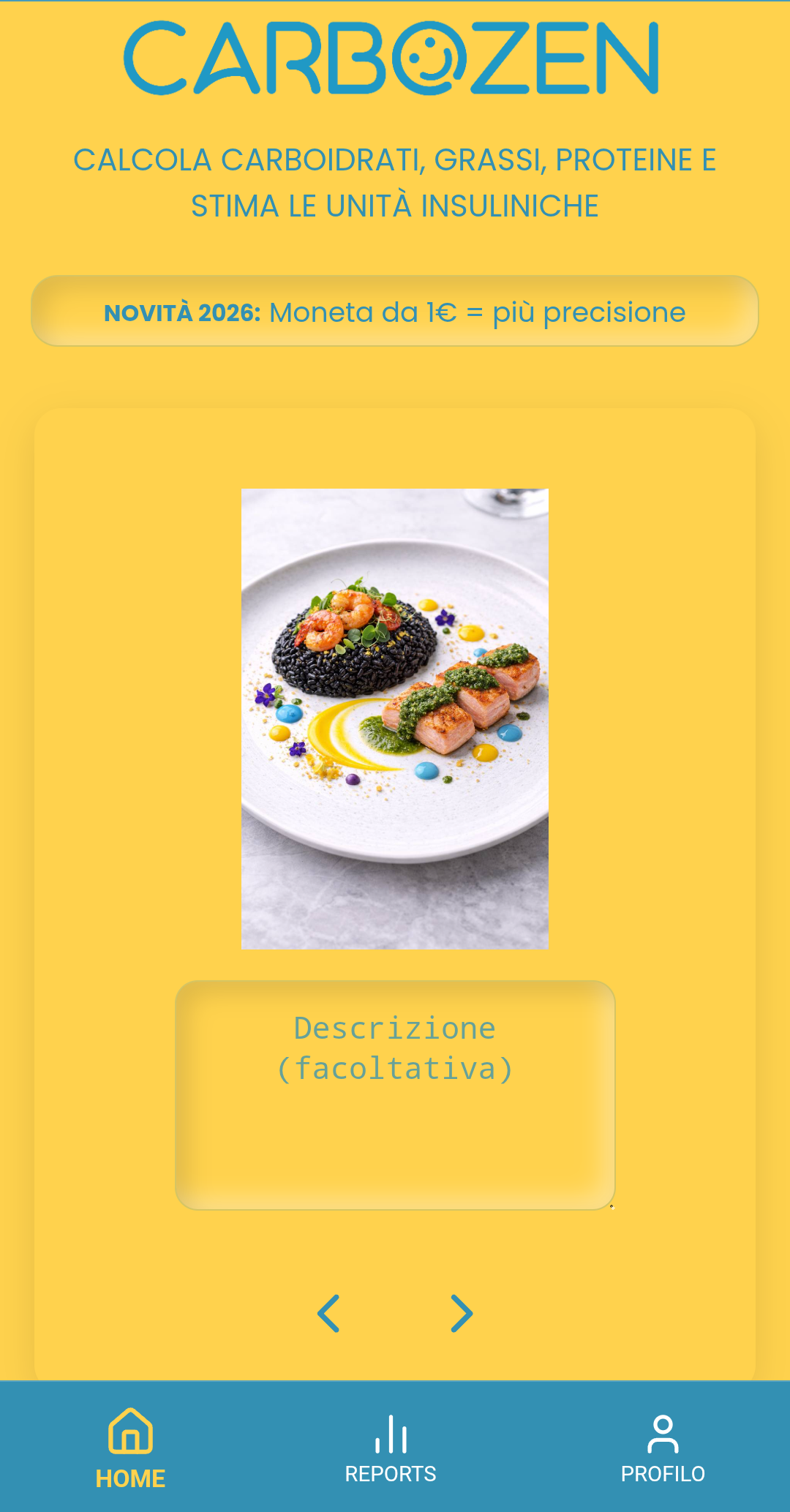
Take a photo of your meal
Take a picture of the dish you want to analyze. CarboZen processes the image and starts the estimate in just a few seconds.
Multi-angle: coming soon
We’re developing the option to add multiple photos of the same meal to show volumes, depth and overlapping foods. This feature is not available yet: for now, continue with a single photo.
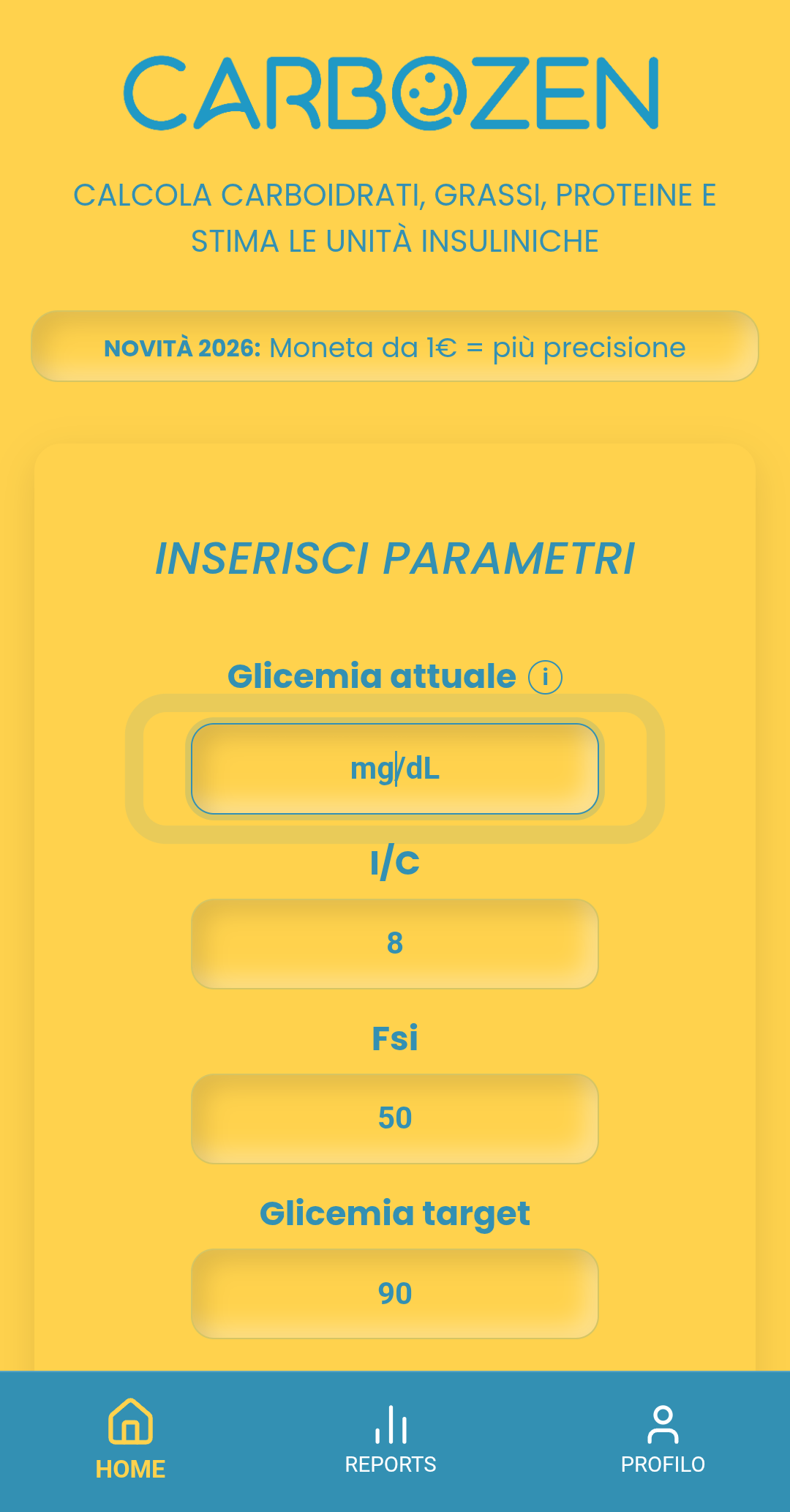
Enter your current glucose
When relevant to your use of the app, you can enter your current glucose value to receive more complete support in meal management.
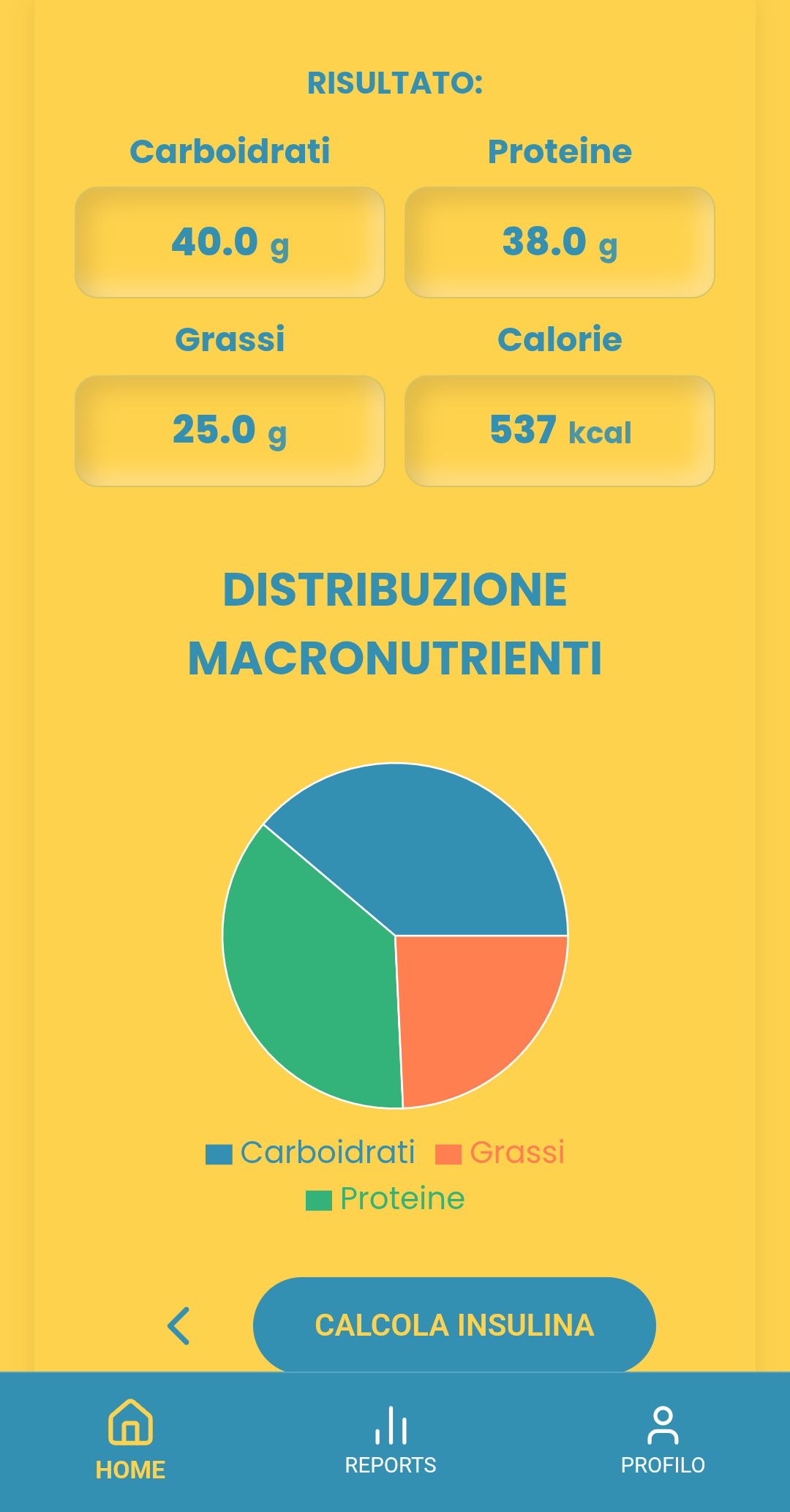
View the estimate
See the estimated carbohydrates and other values provided by the system, along with any support tools available in your configuration.

Use it in everyday life
Find your past analyses in the history and use CarboZen as practical support in real everyday situations.